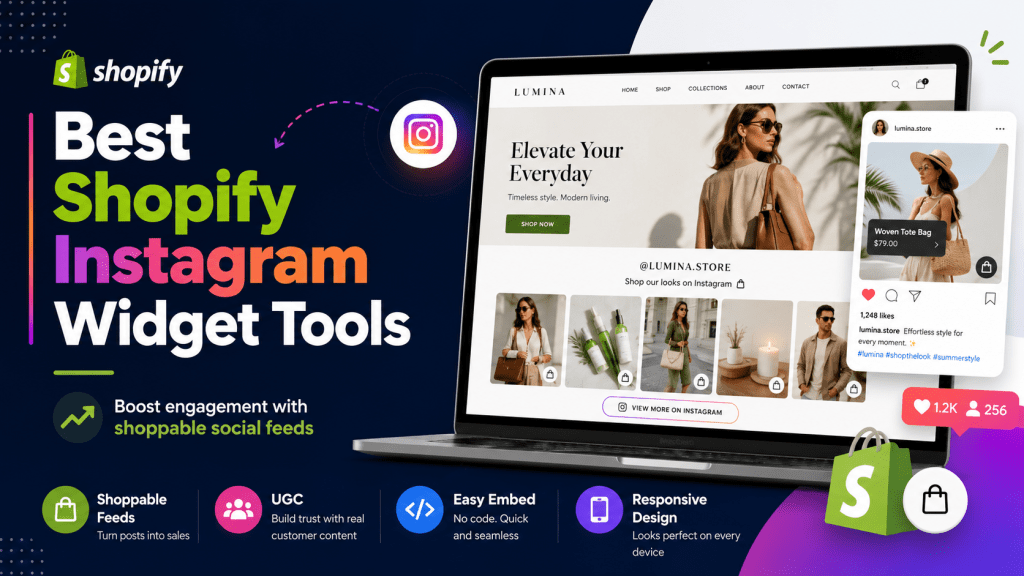
Shopify stores need more than product images and descriptions to keep visitors interested. Today’s shoppers want to see real product use, customer photos, social proof, reels, videos, and visual content before making a purchase decision.
That is where Shopify Instagram widget tools can help. These tools allow store owners to display Instagram feeds, reels, hashtag posts, user-generated content, and shoppable social galleries directly on their Shopify stores. Instead of sending visitors away to Instagram, you can bring your best Instagram content into your homepage, product pages, collection pages, and landing pages.
The best Instagram widget can make your Shopify store more engaging, trustworthy, and conversion-friendly. Some tools also let you tag products inside Instagram posts, turning a simple social feed into a shoppable gallery.
In this blog, we will explore the 10 best Shopify Instagram widget tools to boost store engagement, starting with Tagembed and Taggbox.
What Is a Shopify Instagram Widget?
A Shopify Instagram widget is an app or embed tool that allows you to display Instagram content on your Shopify store. It can show Instagram posts, reels, videos, stories, hashtag feeds, mentions, tagged posts, or user-generated content.
Some Shopify Instagram widgets are simple feed display tools, while others offer advanced features such as product tagging, shoppable galleries, moderation, custom layouts, and automatic content updates.
For example, a fashion store can show customer outfit posts. A beauty brand can display product-use reels. A home decor store can showcase customer room photos. A fitness brand can highlight transformation content. These visual feeds help shoppers see your products in real-life situations.
Instagram widgets can be added to many areas of a Shopify store, including homepages, product pages, collection pages, footers, lookbook pages, and campaign landing pages.
Why Use Instagram Widgets on Shopify Stores?
Instagram widgets are useful because they bring social content into the shopping journey. Instead of keeping Instagram and your Shopify store separate, these tools connect both channels.
a.) Builds Social Proof
Customer photos, tagged posts, and UGC can make your store feel more trustworthy. When shoppers see real people using your products, it can reduce hesitation and make your brand look more credible.
b.) Improves Product Discovery
Many Shopify Instagram widget tools support shoppable feeds. This means shoppers can click on Instagram-style posts and discover the products shown in the image or video. Some tools also support product tagging, hotspots, and add-to-cart options.
c.) Makes Store Pages More Visual
A clean Instagram feed can improve the look of your homepage, product page, or collection page. Visual content is especially useful for fashion, beauty, lifestyle, food, fitness, travel, and home decor stores.
d.) Keeps Content Fresh
If your Instagram feed updates regularly, your Shopify store can also feel more active. Fresh posts, reels, and campaign content can keep visitors interested without requiring constant manual website updates.
e.) Encourages Engagement and Followers
An Instagram widget can encourage visitors to explore your social content, follow your brand, interact with posts, and spend more time on your store.
Quick Comparison of Shopify Instagram Widget Tools
| Tool | Best For | Shopify Support | Key Highlight |
|---|---|---|---|
| Tagembed | Overall Shopify Instagram widget | Shopify app / embed | Reels, stories, UGC, customization, moderation |
| Taggbox | UGC and shoppable social feeds | Shopify app | Instagram, TikTok, and UGC galleries |
| Mintt Instafeed | Reels and shoppable videos | Shopify app | Auto-sync, product tagging, UGC galleries |
| Socialwidget | Shoppable Instagram and TikTok feeds | Shopify app | Templates, product tags, CTAs |
| VIBE Shoppable Instagram Feed | Product-tagged Instagram feeds | Shopify app | Grid, slideshow, custom styling |
| Covet Instagram Feed & Reviews | Customer media reviews | Shopify app | Photo/video reviews and Instagram UGC |
| Feedfy | Shoppable Instagram posts | Shopify app | Product tagging and add-to-cart popups |
| Imageagram | Instagram galleries and reels | Shopify app | Grid, slider, reels, stories, product tagging |
| Showcase: Insta & TikTok Feed | Shoppable lookbooks | Shopify app | Reels, IGTV, lookbooks, product tagging |
| Instafeed: For Instagram Feed | Simple Instagram galleries | Shopify app | Slider/grid layouts and selected posts |
10 Best Shopify Instagram Widget Tools to Boost Store Engagement
1. Tagembed
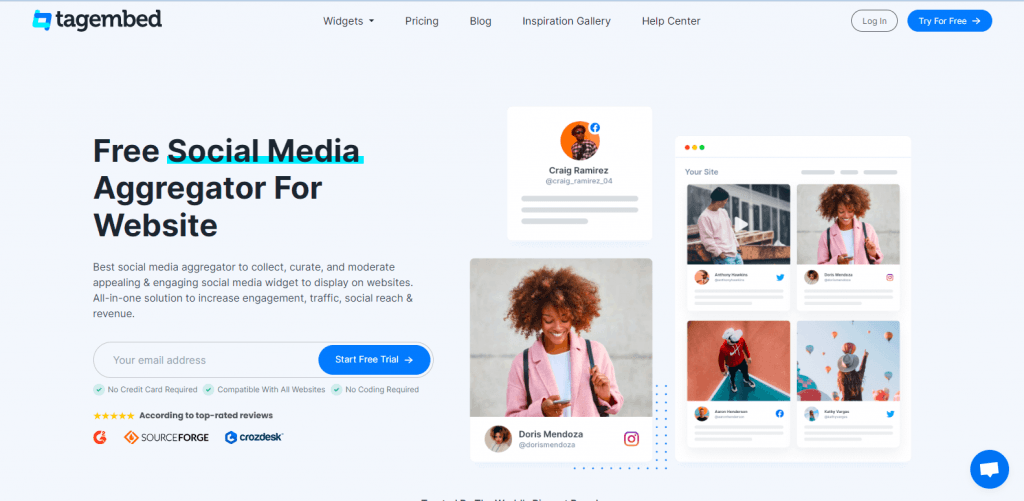
Tagembed is one of the best Shopify Instagram widget tools for store owners who want a flexible way to display Instagram content, social proof, and UGC on their website.
The Tagembed Shopify app helps merchants auto-import Instagram posts, reels, stories, mentions, and hashtags. It also allows store owners to display content in sliders, grids, reels, or story-style layouts. The app listing also highlights shoppable social feeds, media caching for faster loading, and trust-building content displays for Shopify stores.
Tagembed is useful for Shopify brands that want to showcase Instagram feed. You can showcase customer posts, brand mentions, influencer content, product reels, campaign hashtags, and visual UGC in one place.
For eCommerce brands, this can help increase engagement because shoppers can see real-life product use directly on your store. A fashion store can show outfit photos, a beauty brand can show product tutorials, and a food brand can display recipe-style posts.
Key Features
- Shopify Instagram feed app
- Instagram posts, reels, stories, mentions, and hashtags
- Shoppable social feed support
- Grid, slider, reels, and story layouts
- Content moderation
- Responsive design
- Customization options
- UGC display support
- Media caching for performance
Best For
Tagembed is best for Shopify stores, D2C brands, fashion stores, beauty brands, lifestyle brands, agencies, and marketers that want a customizable Instagram widget.
Why Choose Tagembed?
Choose Tagembed if you want a Shopify Instagram widget with flexibility, customization, moderation, shoppable content, and UGC support. It is a strong first choice for store owners who want to turn Instagram content into engaging website sections.
2. Taggbox
Taggbox is another strong Shopify Instagram widget tool, especially for brands that want to focus on UGC, shoppable social galleries, and trust-building content.
The Taggbox Shopify app is listed as a shoppable social UGC tool for Instagram, TikTok, and user-generated content galleries. Its Shopify listing focuses on making Instagram, TikTok, and UGC galleries shoppable with videos, feeds, and AI-powered social commerce features.
Taggbox is useful for Shopify brands that want to display customer-generated content, campaign posts, product-use videos, and hashtag-based social proof. Instead of showing only polished product photos, brands can use Taggbox to showcase authentic customer content.
For example, a clothing store can display customers wearing its products, a skincare brand can show before-and-after content, and an event-based brand can showcase posts from a branded hashtag.
Key Features
- Instagram and UGC galleries
- Shoppable social content
- Product tagging support
- Hashtag campaign display
- Social proof widgets
- Content moderation
- Customization options
- Shopify-friendly publishing
Best For
Taggbox is best for Shopify brands that want to display customer content, UGC campaigns, hashtag feeds, and shoppable social proof.
Why Choose Taggbox?
Choose Taggbox if your Shopify store depends heavily on UGC, customer trust, social media campaigns, and shoppable visual content.
3. Mintt Instafeed
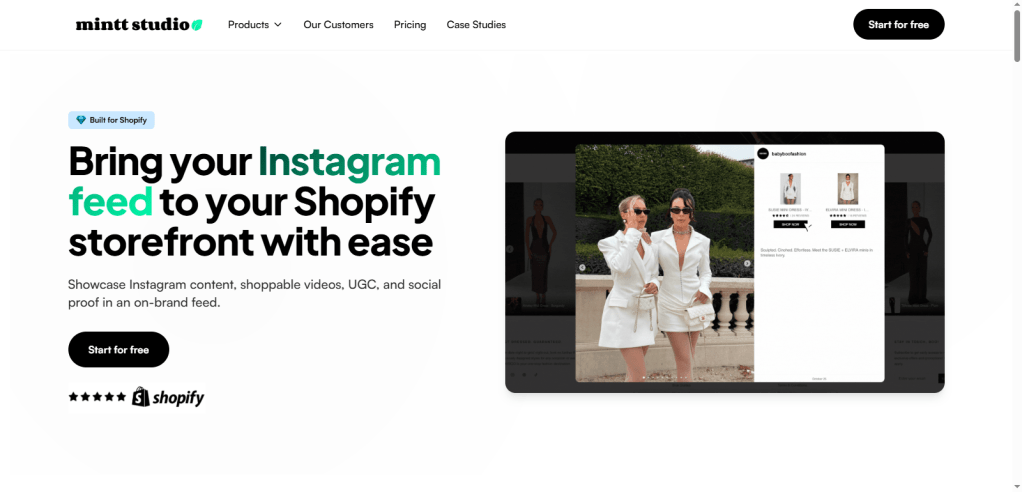
Mintt Instafeed is a popular Shopify Instagram feed app for merchants who want to display Instagram feeds, reels, shoppable videos, and UGC galleries.
The app listing says Mintt Instafeed allows Shopify stores to display Instagram feeds, reels, shoppable videos, and UGC as galleries. It also supports product and collection feeds, automatic Instagram feed syncing, auto product tagging, shop-now actions, add-to-cart from posts, grid or slider layouts, and options to pin or hide Instagram content.
This makes Mintt Instafeed useful for Shopify stores that want a native app-style experience with strong visual display options. It is especially helpful for brands that frequently post product content on Instagram and want to bring that content into their store.
Key Features
- Instagram feeds and reels
- Shoppable videos
- UGC galleries
- Product and collection feeds
- Automatic feed syncing
- Product tagging
- Grid and slider layouts
- Pin or hide Instagram posts
- Upload custom photos and videos
Best For
Mintt Instafeed is best for Shopify stores that want Instagram reels, shoppable videos, UGC galleries, and auto-synced feed displays.
Why Choose Mintt Instafeed?
Choose Mintt Instafeed if you want a Shopify-focused Instagram feed app with auto-sync, shoppable post features, and strong gallery layouts.
4. Socialwidget
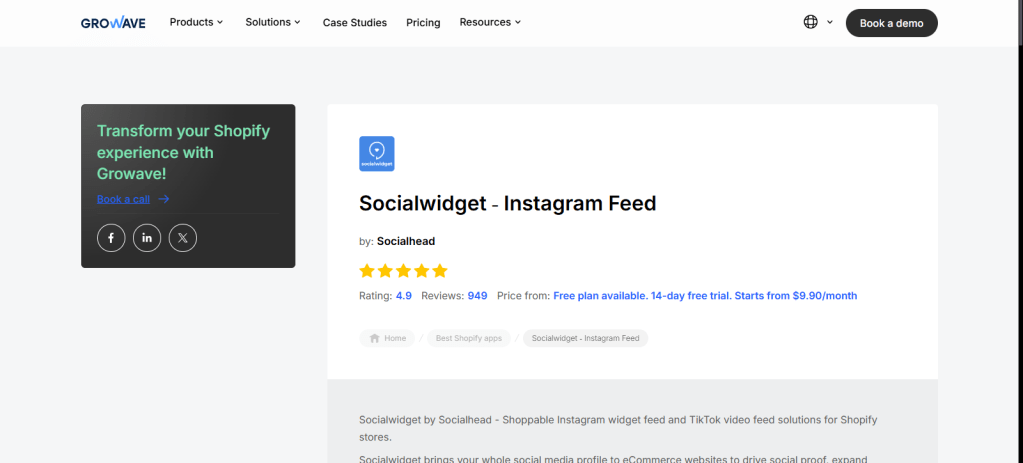
Socialwidget is designed for Shopify merchants who want to display shoppable Instagram feeds, Instagram stories, and TikTok feeds.
The Shopify listing says Socialwidget helps users fully customize shoppable Instagram widgets and TikTok video feeds. It highlights multiple templates and layouts, media sorting from Instagram accounts and hashtags, shoppable tags, CTAs, and social proof features aimed at boosting conversions and sales.
This tool is a good option for Shopify brands that want Instagram and TikTok content in one visual feed system. It can be useful for fashion, beauty, accessories, fitness, lifestyle, and creator-led stores.
Key Features
- Shoppable Instagram feeds
- TikTok video feeds
- Instagram story display
- Product tagging
- Ready-made templates
- Hashtag and public account sorting
- CTA support
- Responsive templates
Best For
Socialwidget is best for Shopify brands that want shoppable Instagram and TikTok feeds with ready-made templates.
Why Choose Socialwidget?
Choose Socialwidget if you want to use visual social content from Instagram and TikTok to improve product discovery and engagement.
5. VIBE Shoppable Instagram Feed
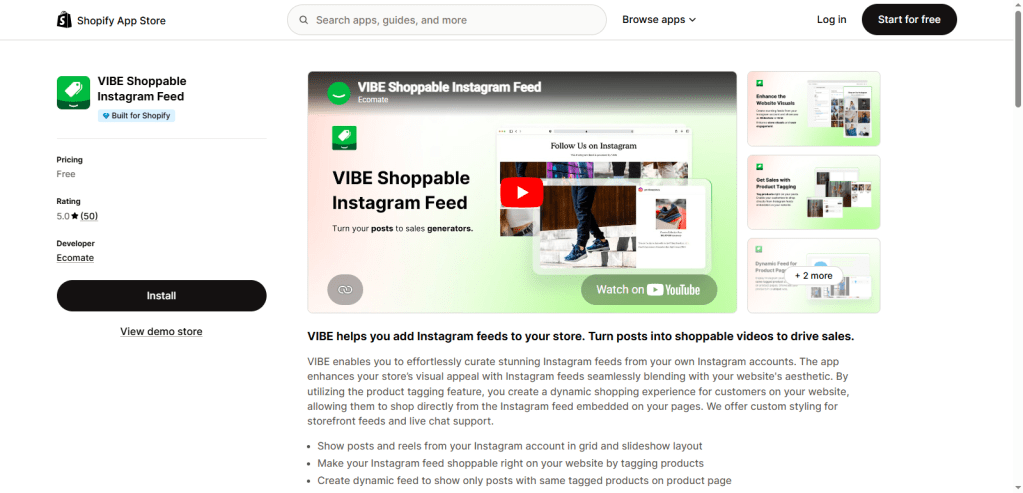
VIBE Shoppable Instagram Feed is a Shopify app that helps merchants create shoppable and customizable Instagram feeds without coding.
The app listing says VIBE allows merchants to curate Instagram feeds from their own accounts and blend them with the store’s aesthetic. It also supports product tagging, grid and slideshow layouts, dynamic product-page feeds, screen-based item adjustments, Online Store 2.0 compatibility, and live chat support.
VIBE is useful for Shopify merchants who want a clean Instagram feed that fits their theme design. Product tagging makes it easier to turn visual content into a shopping experience.
Key Features
- Instagram feed embedding
- Shoppable Instagram feeds
- Product tagging
- Grid and slideshow layouts
- Custom storefront styling
- Dynamic product-page feeds
- No-code setup
- Online Store 2.0 compatibility
Best For
VIBE is best for Shopify stores that want product-tagged Instagram feeds with custom styling.
Why Choose VIBE?
Choose VIBE if you want a simple Shopify Instagram widget that looks good, supports product tagging, and works well with modern Shopify themes.
6. Covet Instagram Feed & Reviews
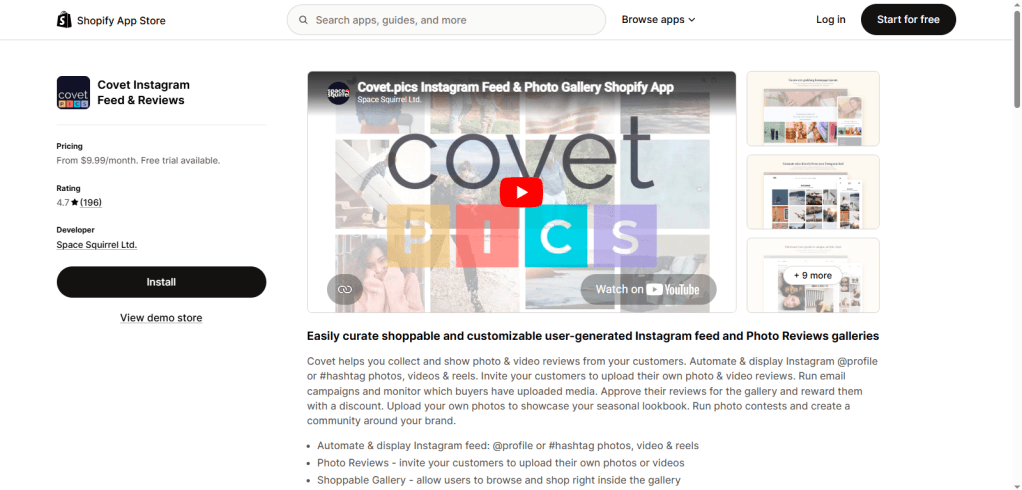
Covet Instagram Feed & Reviews is a Shopify app focused on Instagram UGC, customer media, and photo/video reviews.
The Shopify listing says Covet helps merchants collect and show photo and video reviews from customers. It can automate and display Instagram profile or hashtag photos, videos, and reels. It also supports customer uploads, approval workflows, rewards, seasonal lookbooks, photo contests, and community-building campaigns.
This makes Covet different from simple Instagram feed tools. It combines Instagram content with customer media reviews, which can be powerful for Shopify stores that want to build trust through real buyer content.
Key Features
- Instagram profile and hashtag feeds
- Photo and video reviews
- Instagram reels support
- Customer media uploads
- Approval workflows
- Photo contests
- Seasonal lookbooks
- UGC galleries
Best For
Covet is best for Shopify brands that want to combine Instagram feeds with customer photo and video reviews.
Why Choose Covet?
Choose Covet if your store relies heavily on customer-generated content, product reviews, lookbooks, and visual proof.
7. Feedfy: Shoppable Instagram
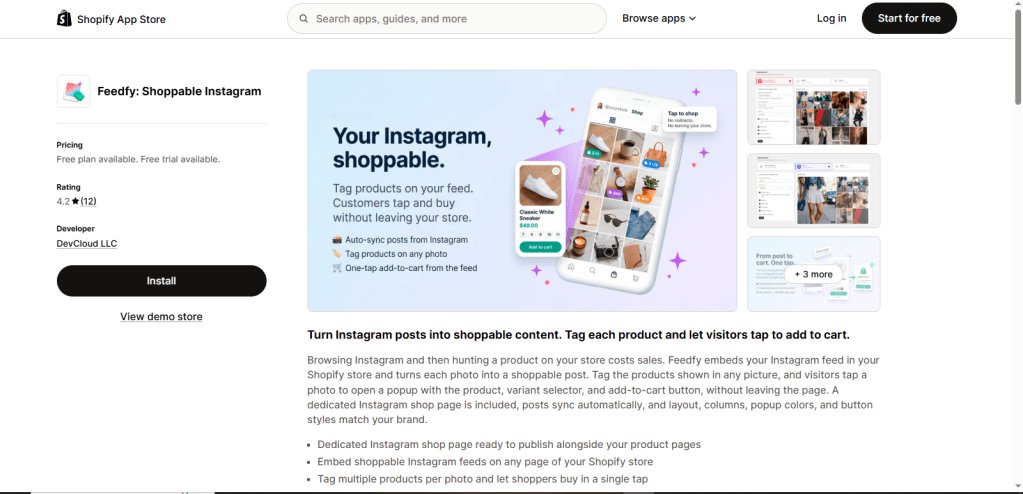
Feedfy is a Shopify Instagram widget tool focused on turning Instagram posts into shoppable content.
The Shopify listing says Feedfy lets merchants tag products inside Instagram posts and allows visitors to tap posts to add products to cart. It also supports a dedicated Instagram shop page, embedded shoppable feeds on any page, multiple product tags per photo, variant selectors, add-to-cart from the same page, and custom layouts, colors, columns, and popup styles.
This makes Feedfy useful for Shopify stores that want Instagram to play a direct role in product discovery and shopping.
Key Features
- Shoppable Instagram feed
- Product tagging
- Multiple product tags per photo
- Popup product selector
- Variant selector
- Add-to-cart from Instagram posts
- Dedicated Instagram shop page
- Layout and button customization
Best For
Feedfy is best for Shopify merchants who want Instagram content to support direct shopping and product discovery.
Why Choose Feedfy?
Choose Feedfy if your main goal is to turn Instagram photos into clickable, shoppable product experiences.
8. Imageagram – Instagram Feed
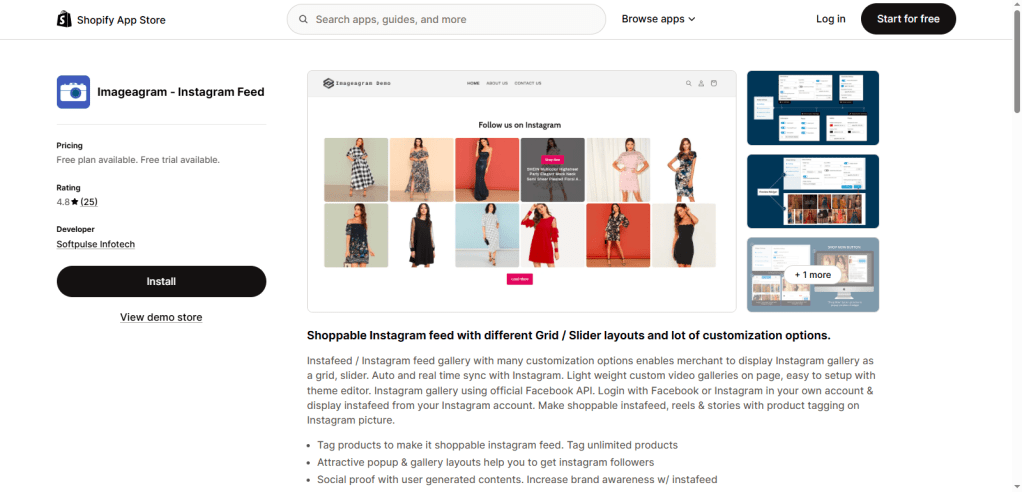
Imageagram is a Shopify app for merchants who want Instagram galleries, reels, stories, and product-tagged feeds.
The Shopify listing says Imageagram lets merchants display Instagram galleries as grids or sliders. It supports auto and real-time sync with Instagram, official Facebook API login, shoppable instafeeds, reels, stories, product tagging, lightweight custom video galleries, and setup through the Shopify theme editor.
Imageagram is a practical choice for Shopify stores that want flexible Instagram feed layouts and shoppable features. It can be used to display product inspiration, lifestyle photos, UGC, and visual brand content.
Key Features
- Instagram grid and slider galleries
- Auto and real-time Instagram sync
- Reels and stories support
- Product tagging
- Shoppable Instagram feed
- Theme editor setup
- Lightweight video galleries
- Customization options
Best For
Imageagram is best for Shopify stores that want Instagram galleries with reels, stories, product tagging, and layout flexibility.
Why Choose Imageagram?
Choose Imageagram if you want a Shopify Instagram feed tool with strong gallery features and shoppable media support.
9. Showcase: Insta & TikTok Feed
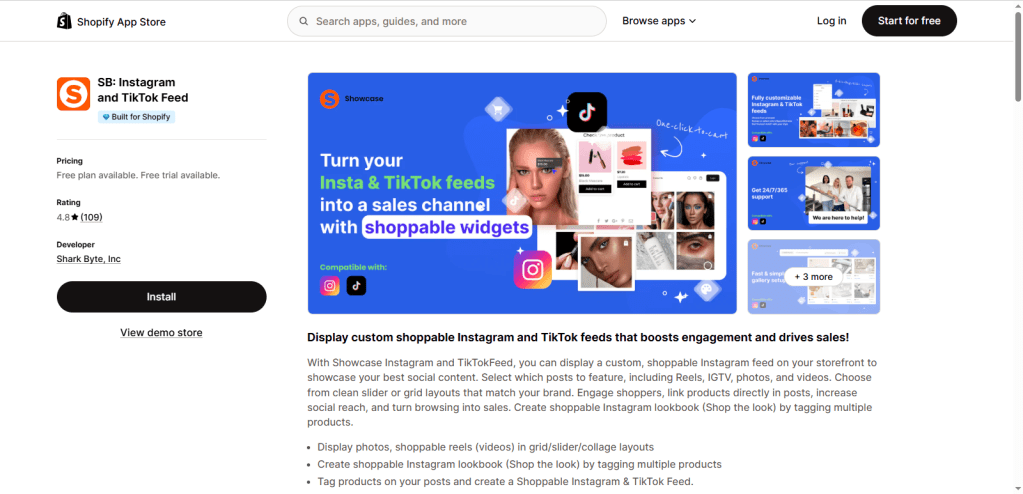
Showcase, listed as SB: Instagram and TikTok Feed, helps Shopify merchants display custom shoppable Instagram and TikTok feeds.
The Shopify listing says the app lets merchants display custom shoppable Instagram feeds, select posts to feature, including reels, IGTV, photos, and videos, and choose slider or grid layouts. It also supports product linking, shoppable Instagram lookbooks, “Shop the Look” sections, and tagging multiple products.
This tool is useful for stores that want Instagram and TikTok content to function like a visual lookbook. It works well for product inspiration pages, homepage sections, collection pages, and campaign galleries.
Key Features
- Instagram and TikTok feeds
- Shoppable reels and videos
- IGTV, photos, and video support
- Grid and slider layouts
- Product tagging
- Shoppable lookbooks
- Shop-the-look sections
- Featured post selection
Best For
Showcase is best for Shopify brands that want social galleries, shoppable lookbooks, and UGC-driven engagement.
Why Choose Showcase?
Choose Showcase if you want to turn Instagram and TikTok content into shoppable lookbook-style sections.
10. Instafeed: For Instagram Feed
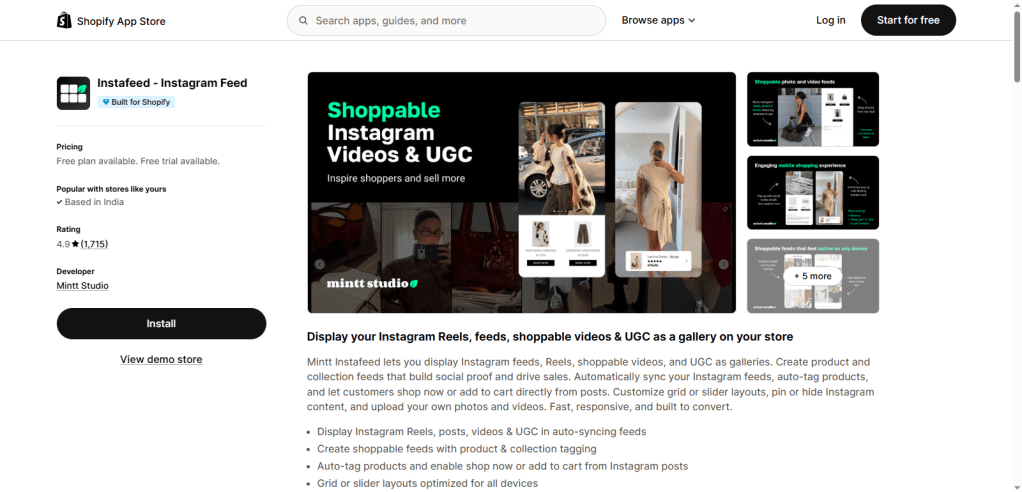
Instafeed: For Instagram Feed is a Shopify app by Zegsu that helps merchants show Instagram feeds, galleries, and shoppable posts.
The Shopify listing says the app allows merchants to display Instagram galleries and feeds in slider or grid layouts. It also supports separate desktop and mobile layout customization, product tagging for shoppable Instagram feeds, selected-post display, and live chat support.
This app is useful for merchants who want a straightforward Instagram gallery with shoppable feed options. It can work well for small and mid-sized Shopify stores that want to add Instagram visuals without too much complexity.
Key Features
- Instagram gallery and feed display
- Slider and grid layouts
- Desktop and mobile customization
- Shoppable Instagram feed
- Product tagging
- Selected-post display
- Live chat support
Best For
Instafeed: For Instagram Feed is best for Shopify stores that want a simple Instagram gallery with shoppable feed options.
Read more :
Instagram widget for blogger website
Instagram widget for HTML website
Instagram widget for elementor website
Why Choose Instafeed: For Instagram Feed?
Choose this app if you want a clean Instagram feed display with basic shoppable features and layout control.
How to Choose the Best Shopify Instagram Widget Tool
The best Shopify Instagram widget tool depends on your store type, goals, and content strategy.
Check Shopify App Compatibility
Choose a tool that works well with Shopify and supports your current theme. Shopify apps are usually easier to install than custom scripts, especially for non-technical store owners.
Look for Shoppable Feed Features
For eCommerce, shoppable features are important. Product tagging, hotspots, add-to-cart popups, shop-the-look sections, and shoppable galleries can help connect social content with product discovery.
Prioritize UGC and Moderation
If you want to display customer photos, hashtag feeds, or mentions, moderation is important. It helps you control what appears on your store and keeps your feed brand-safe.
Compare Layout Options
Look for layouts such as grids, sliders, carousels, reels, stories, product galleries, and lookbooks. The layout should match your Shopify theme and page design.
Check Mobile Responsiveness
Many shoppers browse Shopify stores on mobile. Your Instagram widget should look clean and load properly on phones and tablets.
Consider Store Speed
Instagram feeds include images and videos, so performance matters. Look for media caching, optimized loading, or lightweight display options when available.
Compare Pricing and Free Plans
Some tools offer free plans, while advanced features like shoppable feeds, analytics, moderation, branding removal, and custom layouts may require paid plans.
Where to Display Instagram Widgets on Shopify Stores
You can place Instagram widgets in many areas of your Shopify store.
A homepage feed can create a strong first impression and show that your brand is active. Product pages are great for UGC because shoppers can see real customers using the product. Collection pages can use Instagram feeds to inspire browsing and product discovery.
You can also display Instagram widgets in the footer, About page, lookbook page, UGC gallery page, post-purchase page, and seasonal campaign pages.
For example, fashion stores can show customer outfit posts. Beauty brands can show product-use reels. Home decor brands can display customer room photos. Fitness brands can show transformation posts. Food brands can showcase recipes, lifestyle content, or customer photos.
Tips to Boost Store Engagement with Shopify Instagram Widgets
To get better results from Shopify Instagram widgets, use them strategically.
Place shoppable feeds near product sections so shoppers can move from inspiration to purchase quickly. Display UGC on product pages to build trust and reduce hesitation. Use reels and videos when you want to show product texture, movement, tutorials, or real-life use.
Moderate hashtag feeds before publishing them. This keeps your store clean and prevents irrelevant posts from appearing. Keep layouts simple and mobile-friendly so the widget does not overwhelm the page.
Add clear CTAs such as “Shop the Look,” “Follow us on Instagram,” “See it in real life,” or “Explore customer photos.” Also, avoid showing too many posts at once because media-heavy feeds can make pages feel cluttered.
Finally, match the feed design with your Shopify theme. A widget should feel like a natural part of your store, not a disconnected add-on.
Conclusion
Shopify Instagram widget tools help stores display social proof, Instagram feeds, reels, UGC, and shoppable content directly on their websites. They can make your store more visual, engaging, and trust-driven while helping shoppers discover products through social-style content.
If you want the best overall option, Tagembed is a strong place to start because it supports Instagram posts, reels, stories, mentions, hashtags, shoppable feeds, customization, and moderation. Taggbox is another excellent choice for brands focused on UGC and shoppable social galleries.
Other tools like Mintt Instafeed, Socialwidget, VIBE, Covet, Feedfy, Imageagram, Showcase, and Instafeed: For Instagram Feed are also useful depending on your Shopify store goals.
The best tool is the one that matches your content strategy, store design, and engagement goals.
Frequently Asked Questions
1. What is the best Shopify Instagram widget tool?
Tagembed is a strong overall choice because it supports Instagram posts, reels, stories, mentions, hashtags, shoppable social feeds, layouts, customization, and moderation for Shopify stores. Taggbox is also a good option for brands that want UGC-focused and shoppable social galleries.
2. Can I add an Instagram feed to Shopify without coding?
Yes. Many Shopify Instagram widget tools work through Shopify apps or embed-based setup, so store owners can add feeds without custom coding. Apps like VIBE also mention no-code setup and Online Store 2.0 support.
3. Can Shopify Instagram widgets be shoppable?
Yes. Several tools support shoppable feeds, product tagging, add-to-cart flows, or shop-the-look layouts. Feedfy, for example, supports product tagging, variant selection, add-to-cart from Instagram posts, and a dedicated Instagram shop page.
4. Can I display Instagram reels on Shopify?
Yes. Several Shopify Instagram widget tools support reels. Mintt Instafeed, Covet, Imageagram, and Showcase all mention reels or short-form video support in their app listings.
5. Can I display UGC from Instagram hashtags?
Yes. Many tools support UGC, hashtag feeds, mentions, or customer content. Tagembed mentions hashtags and mentions, Covet supports Instagram profile and hashtag content, and Socialwidget mentions sorting media from Instagram accounts and hashtags.
6. Are Shopify Instagram widgets mobile-friendly?
Most modern Shopify Instagram widgets are designed for responsive storefronts, but merchants should always preview the feed on mobile before publishing. VIBE, for example, mentions adjusting the number of displayed items per row on different screens.





 Instagram Blog
Leave a comment