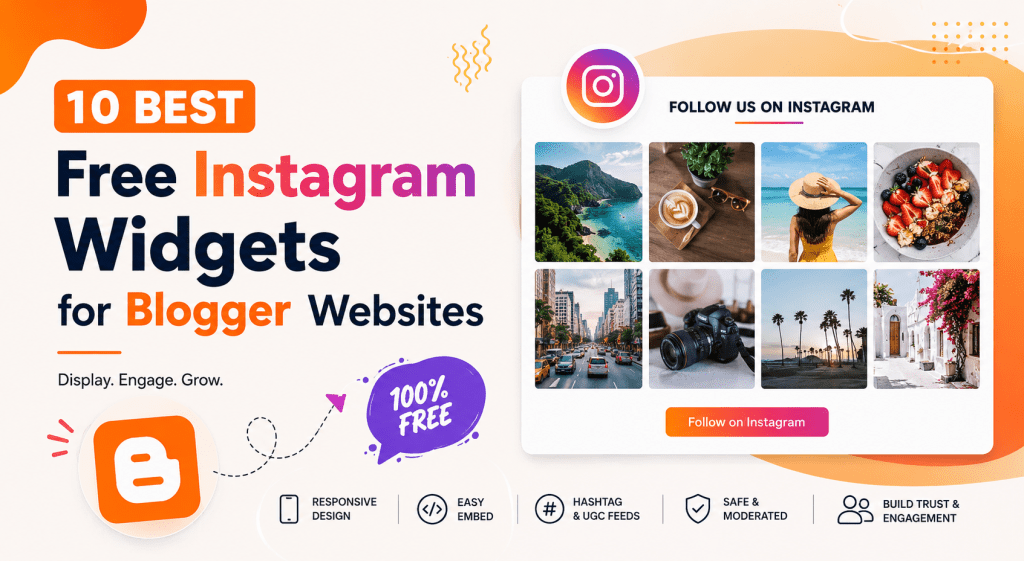
Looking for a free Instagram widget for Blogger? Whether you run a Blogspot blog, travel blog, food blog, fashion blog, creator website, or small business page, adding an Instagram feed can make your website more visual and engaging.
Blogger websites are simple and flexible, but they can sometimes look static if the same images and sections stay unchanged for a long time. An Instagram widget helps solve this by displaying fresh Instagram content directly on your blog. You can showcase posts, reels, hashtag feeds, user-generated content, customer photos, or brand updates without manually uploading every image.
Most Instagram widget tools provide an embed code that can be added to Blogger using an HTML/JavaScript gadget. Google’s Blogger help documentation shows that Blogger users can add JavaScript snippets through the Layout tab by choosing Add a Gadget and selecting HTML/JavaScript.
In this blog, we will explore the 10 best free Instagram widgets for Blogger websites, starting with Tagembed and Taggbox.
What Is an Instagram Widget for Blogger?
An Instagram widget for Blogger is an embeddable feed that displays Instagram content on your blog. Instead of manually adding Instagram screenshots, images, or links, you can use a widget tool to generate a feed and paste its code into your Blogger website.
Depending on the tool, an Instagram widget can display profile posts, reels, videos, stories, hashtag feeds, mentions, tagged posts, or user-generated content. Many tools also allow you to customize the layout, number of posts, colors, spacing, captions, and responsiveness.
For Blogger users, the process is usually simple. You create the Instagram widget in the tool, copy the embed code, open your Blogger dashboard, go to the Layout section, add an HTML/JavaScript gadget, and paste the code where you want the feed to appear.
This makes Instagram widgets useful for bloggers who want a more visual blog without changing their whole website design.
Read more :
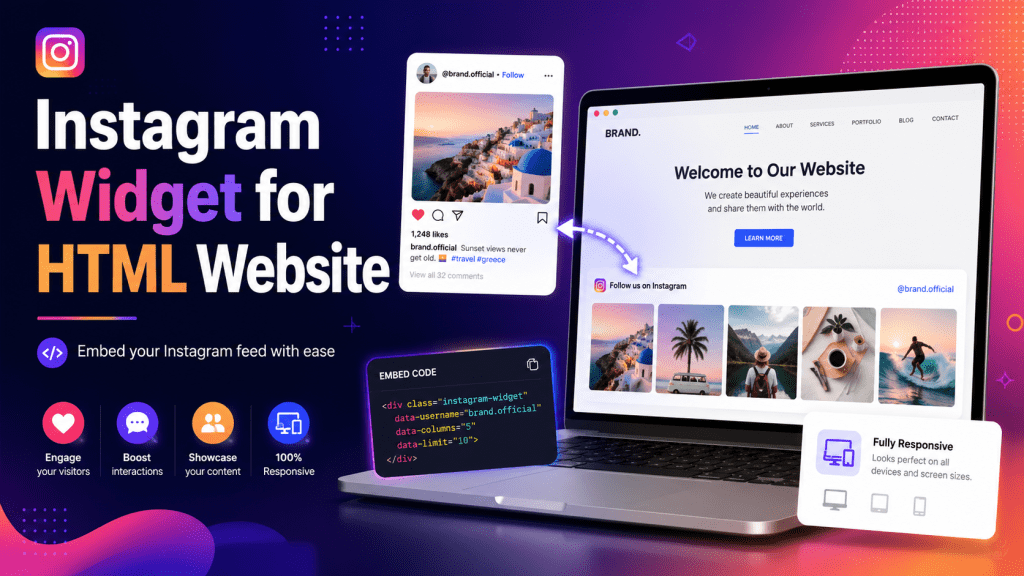
Instagram widget for HTML websites
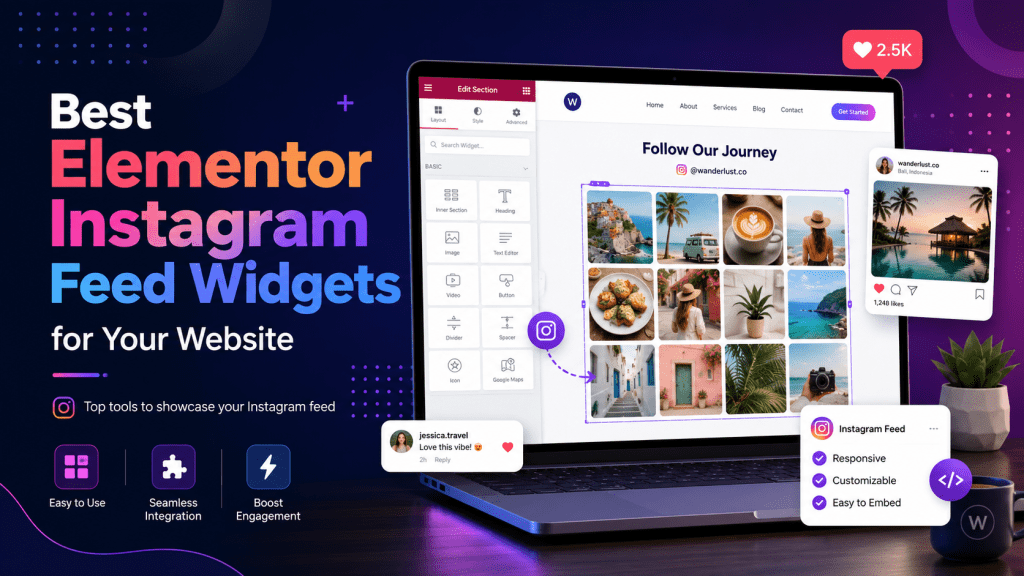
Instagram widget for elementor websites
Instagram widget for WordPress websites
Why Add a Free Instagram Widget to Your Blogger Website?
Adding a free Instagram widget to Blogger can help improve both the look and performance of your blog.
Makes Your Blog More Visual
Instagram is a visual platform, and adding your feed to Blogger can make your blog pages more attractive. A travel blogger can show destination photos, a food blogger can display recipe images, and a fashion blogger can showcase outfit posts.
Builds Social Proof
If visitors see real Instagram posts, tagged photos, brand mentions, or user-generated content, it can make your blog feel more active and trustworthy. This is useful for creators, small businesses, influencers, and bloggers who use social proof to build credibility.
Keeps Your Blog Fresh
A static blog can look outdated if it is not updated regularly. Instagram widgets can help keep your Blogger website visually fresh by displaying recent or curated Instagram content.
Helps Grow Instagram Followers
When visitors see your Instagram feed on your blog, they may be more likely to click through and follow your profile. This helps connect your blog audience with your social media audience.
Improves Engagement
Instagram widgets can encourage visitors to explore posts, reels, and visual content. This can increase time spent on your blog and create a stronger connection with your audience.
Quick Comparison of Free Instagram Widgets for Blogger Websites
| Tool | Best For | Blogger Support | Free Option |
|---|---|---|---|
| Tagembed | Overall Instagram widget for Blogger | Embed code | Free Instagram widget option |
| Taggbox | UGC and hashtag feeds | Blogger embed code | Free Instagram widget option |
| SnapWidget | Simple Instagram widgets | HTML code snippet | Free widget option |
| LightWidget | Responsive Instagram feeds | Embed code | Free widget with paid add-ons |
| SociableKIT | No-code Instagram feed widget | Embed code | Free account/widget option |
| Common Ninja | Customizable widget builder | Embed code | Free no-code widget |
| POWR Instagram Feed | Easy Blogger installation | Embed code | Free website app option |
| Curator.io | Social media aggregation | HTML embed code | Free plan |
| Behold | Developer-friendly Instagram feeds | Embedded widget / JSON feed | Free sign-up |
| Embeddable | Simple free Instagram feed | Embed code | Free Instagram feed widget |
10 Best Free Instagram Widgets for Blogger Websites
1. Tagembed
Tagembed is one of the best free Instagram widgets for Blogger users who want a flexible and customizable feed. It helps users collect, curate, customize, and embed Instagram content on websites.
Tagembed’s Instagram widget page describes its widget as a free option for embedding live feeds, reels, and stories on websites with one line of code, design control, and official Instagram API support. Tagembed also describes itself as a free social media aggregator that helps users collect, curate, and publish social content and reviews from more than 20 networks.
For Blogger users, Tagembed can be used by generating an embed code and adding it to a Blogger HTML/JavaScript gadget. This makes it suitable for Blogspot blogs, personal websites, brand blogs, affiliate blogs, travel blogs, food blogs, and creator websites.
You can use Tagembed to display Instagram posts, reels, stories, hashtag feeds, and user-generated content. It is especially useful if you want your Blogger website to look more professional and social-proof-driven.
Key Features
- Free Instagram widget option
- Blogger-friendly embed code
- Instagram posts, reels, and stories
- Custom layouts and themes
- Moderation panel
- Responsive design
- UGC and hashtag feed support
- Multiple social source support
Best For
Tagembed is best for bloggers, creators, marketers, small businesses, and Blogspot users who want a flexible Instagram widget with customization and moderation options.
Why Choose Tagembed?
Choose Tagembed if you want a free Instagram widget for Blogger that is easy to embed, customizable, responsive, and suitable for displaying social proof.
2. Taggbox
Taggbox is another strong option for Blogger users, especially if your focus is UGC, hashtag campaigns, customer content, or social proof.
Taggbox positions itself as a UGC platform that helps brands collect, curate, and showcase customer content across channels including website embeds. Its Instagram widget page highlights support for Instagram posts, reels, hashtags, handles, mentions, and personal or business accounts.
For Blogger websites, Taggbox can be useful when you want to display content from branded hashtags, customer mentions, event posts, or campaign feeds. For example, a fashion blogger can display outfit posts from a hashtag, a food blogger can show audience recipe recreations, and a business blog can display customer-generated content.
Key Features
- Free Instagram widget option
- Blogger embed code
- Hashtag feed support
- Reels and mentions support
- UGC collection
- Moderation panel
- Customization options
- Mobile-friendly widget design
Best For
Taggbox is best for bloggers, brands, and businesses that want to display Instagram UGC, hashtag feeds, and campaign content on Blogger websites.
Why Choose Taggbox?
Choose Taggbox if you want to turn Instagram content into social proof and display customer or community posts on your Blogger website.
3. SnapWidget
SnapWidget is a simple tool for creating Instagram and social media widgets. It helps users display Instagram, Twitter/X, Facebook, TikTok, and YouTube content on websites.
SnapWidget also offers free responsive Instagram widgets and social walls, making it useful for bloggers who want a fast and simple setup. For Blogger users, the process usually involves creating a widget, copying the generated HTML snippet, and pasting it into a Blogger HTML/JavaScript gadget.
SnapWidget is a good choice if you want a basic Instagram feed without a complicated dashboard. It is especially useful for personal bloggers, beginner Blogspot users, and small websites that only need a clean feed display.
Key Features
- Free widget option
- display Instagram feed
- HTML snippet
- Responsive widget display
- Multi-platform social feed support
- Simple setup
Best For
SnapWidget is best for beginners and Blogger users who want a quick Instagram feed widget.
Why Choose SnapWidget?
Choose SnapWidget if you want a simple, fast, and beginner-friendly Instagram widget for Blogger.
4. LightWidget
LightWidget is a responsive Instagram widget designed for websites, blogs, and online stores. It offers layout options such as hover effects, captions, padding, square crops, hashtag filtering, and responsive breakpoints for desktop, tablet, and mobile views.
LightWidget is useful for Blogger users who want a clean Instagram feed with responsive behavior. It can work well for photography blogs, fashion blogs, travel blogs, lifestyle blogs, food blogs, and creator portfolios.
LightWidget’s add-ons page shows that it offers a free option, while some upgrades and optimization features are paid. This makes it suitable for users who want to start free and upgrade later if needed.
Key Features
- Free Instagram widget option
- Responsive layout
- Captions and hover effects
- Hashtag filtering
- Padding and crop controls
- Desktop, tablet, and mobile breakpoints
Best For
LightWidget is best for lifestyle bloggers, photographers, fashion bloggers, travel bloggers, and creators who want a simple responsive Instagram feed.
Why Choose LightWidget?
Choose LightWidget if responsive design and clean visual presentation are your main priorities.
5. SociableKIT
SociableKIT is a no-code widget tool that allows users to embed Instagram feeds on websites. Its free Instagram feed widget page says users can connect an Instagram account, customize the layout, and paste the embed code into their site without coding. It also supports Instagram profile posts, hashtag feeds, reels, story highlights, and stories.
For Blogger users, SociableKIT can be added by copying the embed code and placing it inside an HTML/JavaScript gadget. The tool is useful if you want multiple Instagram content source options without handling technical integration.
SociableKIT’s tutorial notes that users can sign up, create and customize an Instagram widget, copy the embed code, paste it into a website, and save the page. It also notes that users can activate a free plan after a premium trial if they do not need premium features.
Key Features
- Free Instagram feed widget option
- No-code setup
- Profile feed support
- Hashtag feed support
- Reels and stories support
- Layout customization
- Responsive display
Best For
SociableKIT is best for bloggers who want a simple widget with multiple Instagram content source options.
Why Choose SociableKIT?
Choose SociableKIT if you want to display different types of Instagram content, such as reels, stories, hashtags, or profile posts.
6. Common Ninja
Common Ninja offers a free no-code Instagram Feed widget that displays Instagram posts on websites. Its Instagram Feed widget page says it works on more than 200 platforms and gives users control over layout, colors, and refresh behavior.
For Blogger users, Common Ninja is useful because it provides an embed code that can be placed into a blog’s HTML/JavaScript gadget. It is especially helpful if you want more design flexibility without manually editing CSS or building a feed layout yourself.
Common Ninja is a good fit for bloggers who care about customization. You can use it to match the Instagram feed with your Blogger theme, adjust colors, and create a more branded look.
Key Features
- Free no-code Instagram widget
- Embed code
- Layout customization
- Color control
- Responsive design
- Simple installation
- Works across many platforms
Best For
Common Ninja is best for Blogger users who want customization without editing code.
Why Choose Common Ninja?
Choose Common Ninja if you want a free Instagram widget builder with strong visual customization options.
7. POWR Instagram Feed
POWR offers website apps and plugins that can be added to many platforms without coding. POWR’s homepage describes its platform as a suite of website apps and plugins that can be added directly to HTML websites and other platforms without coding.
Its Instagram Feed app lets users connect social accounts, customize the feed design, copy embed code, and paste it into website HTML. This makes it suitable for Blogger users who want a simple embed-code-based setup.
POWR is useful for bloggers, small business owners, and creators who want a beginner-friendly Instagram feed tool. It also works well if you want other website widgets later, such as forms, popups, galleries, or social tools.
Key Features
- Free website app option
- Blogger-friendly embed approach
- No-code installation
- Design and layout customization
- Multi-social account support
- HTML embed code
Best For
POWR Instagram Feed is best for beginners, small business bloggers, and users who want an easy Blogger setup.
Why Choose POWR?
Choose POWR if you want a simple no-code tool for adding Instagram and other website widgets to your Blogger site.
8. Curator.io
Curator.io is a social media aggregator that helps users collect and display social content. Its homepage describes Curator as a free social media aggregator that helps users collect and display content and set up a feed quickly.
Curator’s Instagram feed page says users can create a feed, select a template, copy the provided HTML code, and paste it into a website. It also states that embedded feeds can automatically update with new posts from selected sources.
For Blogger users, Curator.io is a good option if you want Instagram plus other social content in one curated feed. It can work well for brand blogs, event blogs, creator blogs, and business websites that want to collect posts from multiple sources.
Key Features
- Free social media aggregator
- Instagram feed display
- HTML embed code
- Feed templates
- Automatic feed updates
- Manual approval option
- Multi-source social content
Best For
Curator.io is best for bloggers and brands that want to show curated social content on Blogger.
Why Choose Curator.io?
Choose Curator.io if you want a social media aggregator rather than a basic Instagram-only widget.
9. Behold
Behold is a developer-friendly Instagram feed tool that offers embedded widgets and JSON feeds. Its homepage says users can add Instagram galleries to websites, apps, or Klaviyo email campaigns using a flexible embedded widget or JSON feed, and it offers free sign-up.
Behold is useful for users who want more control over their Instagram feed setup. Its documentation says users can create user feeds or hashtag feeds, choose a source, and select a widget option.
For Blogger users, Behold may be more suitable for those who are comfortable working with embed code or want a cleaner developer-style setup. It can also be useful if you want more flexibility than a basic visual widget.
Key Features
- Free sign-up
- Embedded Instagram widget
- JSON feed option
- Configurable widget
- User feed and hashtag feed options
- Developer-friendly setup
Best For
Behold is best for Blogger users with technical knowledge or users who want a flexible Instagram feed setup.
Why Choose Behold?
Choose Behold if you want a lightweight, developer-friendly Instagram widget with embedded widget and JSON feed options.
10. Embeddable
Embeddable offers a free Instagram feed widget that displays posts in grid, list, or wall layouts. Its website says users can build a custom Instagram feed widget with AI, without coding, and that it works on any website.
For Blogger users, Embeddable can be a simple option if you want a quick widget with basic visual customization. It is useful for personal blogs, creator websites, portfolio blogs, and small business blogs that want to showcase Instagram posts without complex setup.
Embeddable also positions Instagram widgets for use cases such as brand content showcases, UGC social proof, portfolio displays, and eCommerce lookbooks.
Key Features
- Free Instagram feed widget
- Grid, list, and wall layouts
- AI-powered customization
- No-code setup
- Works on any website
- Simple embed process
Best For
Embeddable is best for bloggers who want a simple free Instagram widget with quick customization.
Why Choose Embeddable?
Choose Embeddable if you want a clean, quick, no-code Instagram feed widget for Blogger.
How to Add a Free Instagram Widget to Blogger
Adding an Instagram widget to Blogger is usually simple. The exact process depends on the tool, but the general steps are similar.
First, choose your preferred Instagram widget tool. Then connect your Instagram account or select your feed source, such as a profile, hashtag, reel, or UGC feed. After that, customize the layout, colors, spacing, number of posts, and display style.
Once your widget is ready, copy the generated embed code. Open your Blogger dashboard and go to Layout. Click Add a Gadget in the section where you want the Instagram feed to appear. Choose HTML/JavaScript, paste your widget code, and save the gadget.
Google’s support documentation for adding JavaScript snippets to Blogger shows this same general path: go to the Layout tab, choose Add a Gadget, select HTML/JavaScript, place the snippet in the content box, and save.
After saving, preview your Blogger website on desktop and mobile to make sure the Instagram widget appears correctly.
How to Choose the Best Free Instagram Widget for Blogger
The best free Instagram widget depends on your goals, design needs, and technical comfort.
Check Blogger Compatibility
Choose a tool that provides embed code, JavaScript, iframe, or an HTML snippet. Blogger works well with widgets that can be placed inside an HTML/JavaScript gadget.
Look for a Real Free Plan
Some tools are free forever, while others offer free trials, limited free plans, or free widgets with paid add-ons. Always check what is included in the free version before publishing the widget on your blog.
Check Instagram Source Options
If you only want to display your profile feed, most tools will work. But if you want reels, stories, hashtag feeds, mentions, or UGC, choose a tool that supports those sources.
Prioritize Responsive Design
Your Blogger website may be viewed on phones, tablets, and desktops. A responsive Instagram widget helps the feed adjust properly across screen sizes.
Compare Customization Features
Look for layouts, colors, themes, columns, spacing, captions, hover effects, and CTA options. The widget should match your Blogger theme instead of looking disconnected.
Look for Moderation
Moderation is important if you display hashtag feeds or user-generated content. It helps you remove irrelevant or off-brand posts before they appear on your blog.
Consider Branding and Watermarks
Many free plans include tool branding. If you want a cleaner look, check whether branding removal is available on a paid plan.
Best Places to Display an Instagram Widget on Blogger
You can display an Instagram widget in several places on your Blogger website.
The homepage is a great place to show your latest posts and create a strong visual impression. The sidebar works well for personal blogs because readers can see your Instagram feed while browsing blog posts. The footer is useful if you want your feed to appear across multiple pages.
You can also place Instagram widgets on your About page, Contact page, travel gallery page, fashion lookbook page, food blog homepage, affiliate product page, event page, or campaign landing page.
For example, a travel blogger can show destination posts. A food blogger can display recipe photos. A fashion blogger can showcase outfit ideas. A business blogger can display customer stories, event highlights, or UGC.
Tips to Make Your Blogger Instagram Widget Look Better
A good Instagram widget should feel like a natural part of your Blogger website.
Use a clean grid or carousel layout. Grid layouts are great for visual blogs, while carousels work well when you want to save space. Avoid displaying too many posts at once because it can make the page look crowded and may affect load speed.
Match the widget colors with your Blogger theme. If your blog has a clean white design, use a minimal feed style. If your blog has a bold design, choose a widget layout that supports stronger visuals.
Use high-quality Instagram content. Your widget will only look as good as the posts you display, so select feeds that match your blog’s niche and audience.
If you are using hashtag feeds, moderate the posts before publishing. This keeps your Blogger website professional and brand-safe.
Finally, add a CTA near the widget. A simple line like “Follow us on Instagram” or “See more behind-the-scenes posts” can encourage visitors to connect with you on social media.
Frequently Asked Questions
1. What is the best free Instagram widget for Blogger?
Tagembed is a strong overall choice for Blogger because it offers a free Instagram widget option, embed-code publishing, customization, moderation, and support for Instagram content such as feeds, reels, and stories. Taggbox is also a good option for UGC, hashtag feeds, and social proof.
2. Can I add an Instagram feed to Blogger for free?
Yes. Many tools offer free Instagram widget options or free plans. You can usually generate an embed code and paste it into a Blogger HTML/JavaScript gadget.
3. Where do I paste Instagram widget code in Blogger?
In most cases, you paste the Instagram widget code inside a Blogger HTML/JavaScript gadget through the Layout section. Google’s documentation also shows JavaScript snippets being added through Layout → Add a Gadget → HTML/JavaScript.
4. Can I show Instagram reels on Blogger?
Yes, some tools support Instagram reels. For example, Tagembed mentions reels and stories on its Instagram widget page, and SociableKIT lists reels among its supported Instagram feed types.
5. Can I display hashtag feeds on Blogger?
Yes. Some Instagram widget tools support hashtag feeds. Taggbox mentions hashtags as a source for Instagram widgets, while SociableKIT also lists Instagram hashtag feeds among its supported options.
6. Are free Instagram widgets mobile-friendly?
Many modern Instagram widget tools offer responsive layouts. For example, LightWidget mentions breakpoints for desktop, tablet, and mobile, while Common Ninja says its widget gives users layout control and works across many platforms.
Conclusion
Free Instagram widgets are a simple way to make Blogger websites more visual, fresh, and engaging. They help you display Instagram posts, reels, hashtag feeds, user-generated content, and social proof directly on your blog without manually uploading content.
If you want the best overall free Instagram widget for Blogger, Tagembed is a strong place to start because it offers easy embedding, customization, moderation, and multiple Instagram content options. Taggbox is another great choice for bloggers and brands that want to showcase UGC, hashtag campaigns, and customer content.
Other tools like SnapWidget, LightWidget, SociableKIT, Common Ninja, POWR, Curator.io, Behold, and Embeddable are also useful depending on your design needs, technical comfort, and free-plan requirements.

 Instagram Blog
Leave a comment